Oct 18, 2025
Overview
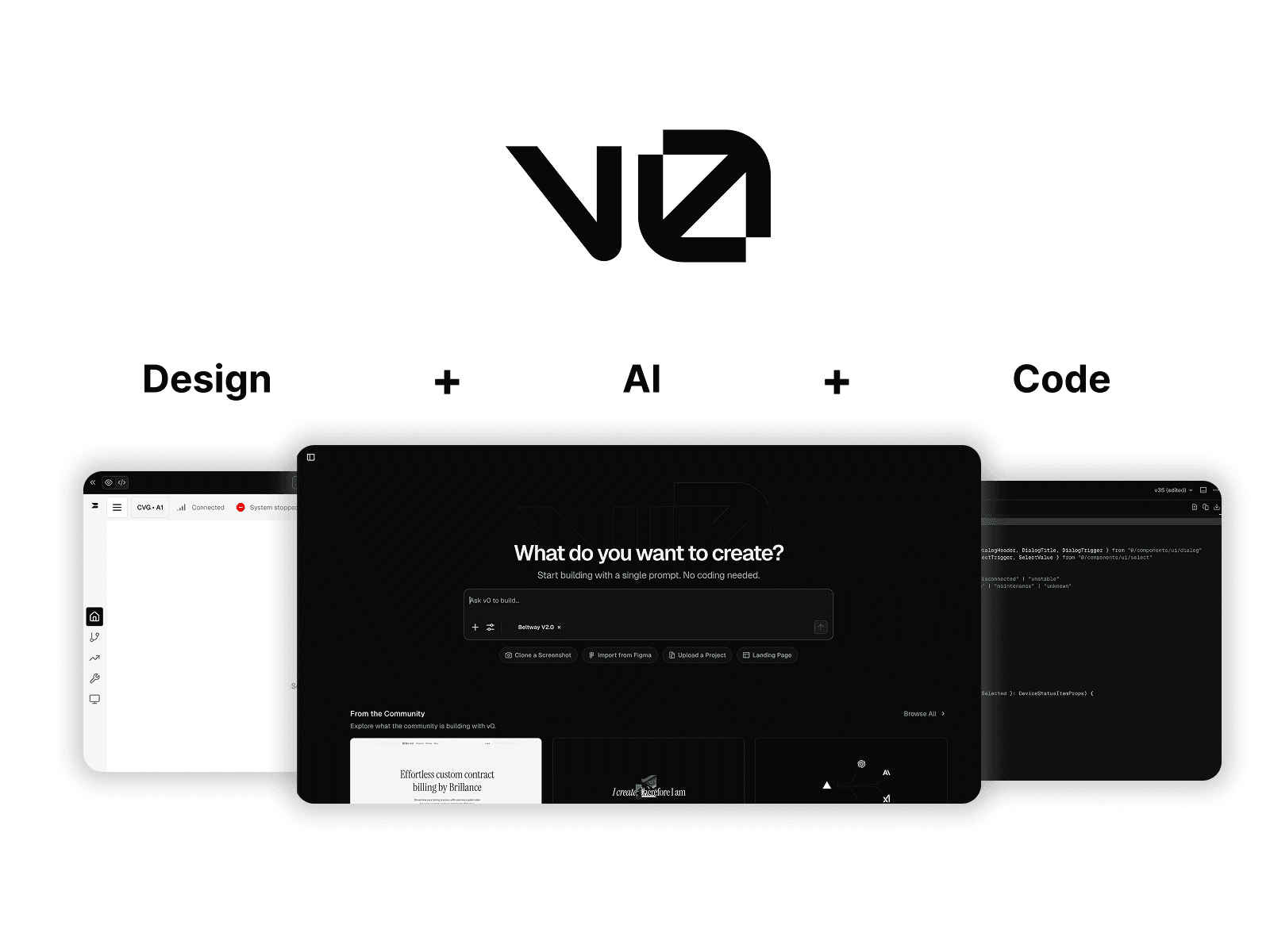
At Beltways, we were exploring how AI can accelerate product design and development. Our team adopted V0 by Vercel, an AI tool that generates front-end code directly from Figma designs. The vision was to enable designers to move faster from concept to production while allowing developers to focus on business logic and data integration.
However, as we integrated AI into our workflow, we discovered that the collaboration between designers, AI tools, and developers required new systems, languages, and ways of thinking.
My role was to bridge that gap — improving how our design artifacts could be interpreted by AI, and how design intent could be expressed through more code-aware methods.
Problem
While V0 significantly sped up front-end generation, it also revealed two core challenges:
Design System Mismatch: V0 couldn’t properly interpret the variables and components from our custom design system, resulting in inconsistent visuals compared to our Figma files.
Interaction Complexity: For dynamic or stateful components, even small design changes caused cascading issues in the generated code, requiring multiple regeneration cycles and manual edits.
Research & Insight
To understand how to improve this collaboration, I conducted a technical and design audit that included:
Studying V0’s architecture and discovering that it’s built on Shadcn/UI, a system combining Radix primitives (for logic and accessibility) with Tailwind CSS (for styling).
Analyzing our existing design system, which was fully custom-built and structurally different from Shadcn’s component logic.
Testing how different Figma structures, naming conventions, and component hierarchies affected V0’s output.
Through this cross-disciplinary exploration, I identified a clear insight:
To collaborate effectively with AI, designers need to speak the same structural “language” as the tool — not just the visual one.
Solution: Building an AI-Aware Design Workflow
1. Refining the Design System for AI Interpretation
I led the migration of our design system to align with Shadcn/UI’s logic.
This involved:
Rebuilding design tokens (colors, spacing, typography) to match Shadcn’s structure.
Adapting our Figma component variants to mirror Shadcn’s Radix-based components.
Documenting new design principles focused on AI readability — emphasizing clarity, hierarchy, and naming consistency.
As a result, V0 was able to recognize most of our variables and generate front-end code that visually matched the original Figma designs.
2. Introducing “Code Prompting” for Better Control
For more complex interactions and layouts, I began to experiment with a coding-based prompting approach — directly editing or refining the generated code in V0 rather than relying solely on visual tools.
By combining design thinking with front-end literacy, I could:
Adjust interaction logic through simple code modifications (e.g., state management or animation triggers).
Guide V0’s generation process with precise, code-level instructions.
Reduce back-and-forth iterations between design and development.
This approach turned the AI tool into a true collaborator — one that designers could communicate with using structured, interpretable prompts.
Outcome
By combining system-level alignment and prompt-based collaboration, we achieved tangible workflow improvements:
Visual accuracy increased by 80%, with most Figma-to-code translations requiring minimal corrections.
Iteration speed improved, as designers could now make small code adjustments without waiting for developer cycles.
Cross-functional understanding deepened, enabling smoother handoff and shared ownership between design and engineering.
The new workflow became a prototype for AI-augmented design, informing how the team approaches future automation tools.
Reflection
This project redefined what collaboration means in a design-engineering context. It showed that working with AI is not just about using new tools. it’s about rethinking the language of design itself.
By combining system design, coding literacy, and UX principles, I helped our team build a bridge between human creativity and AI precision.Moving forward, I see this kind of AI-UX fluency as a critical skill for modern product designers — one that blends technical understanding with design intuition to create faster, smarter, and more collaborative workflows.